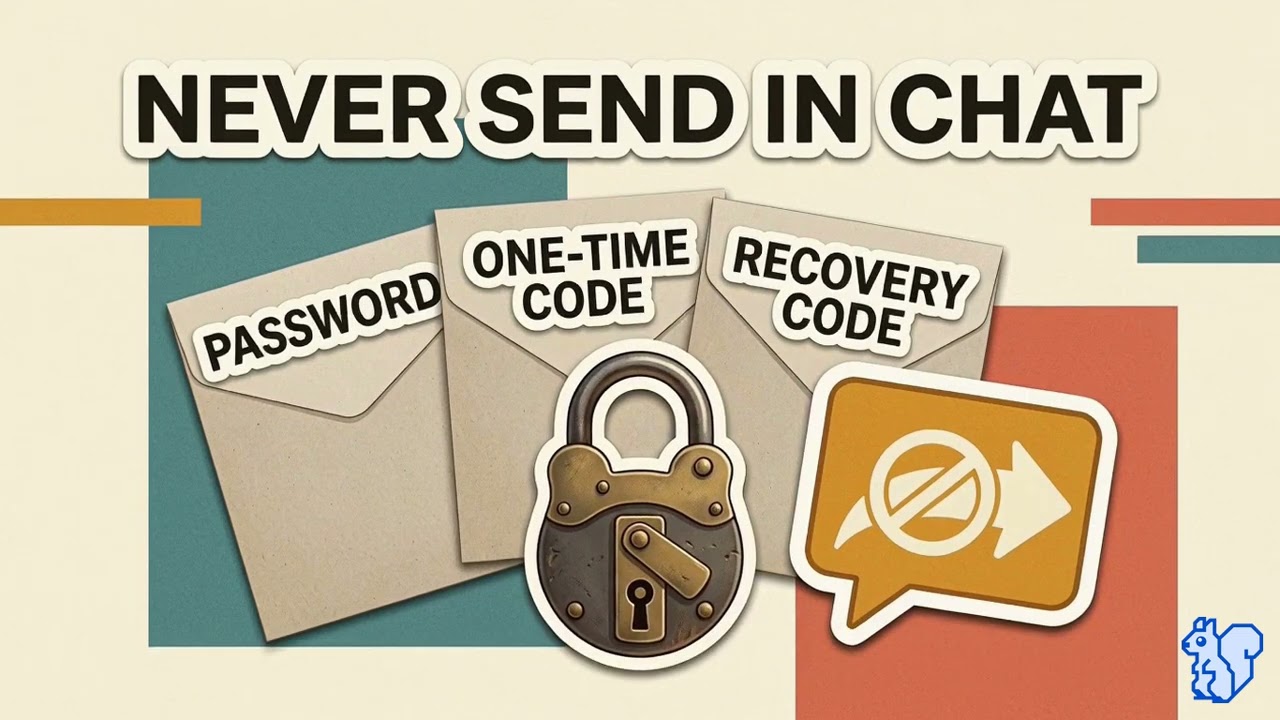
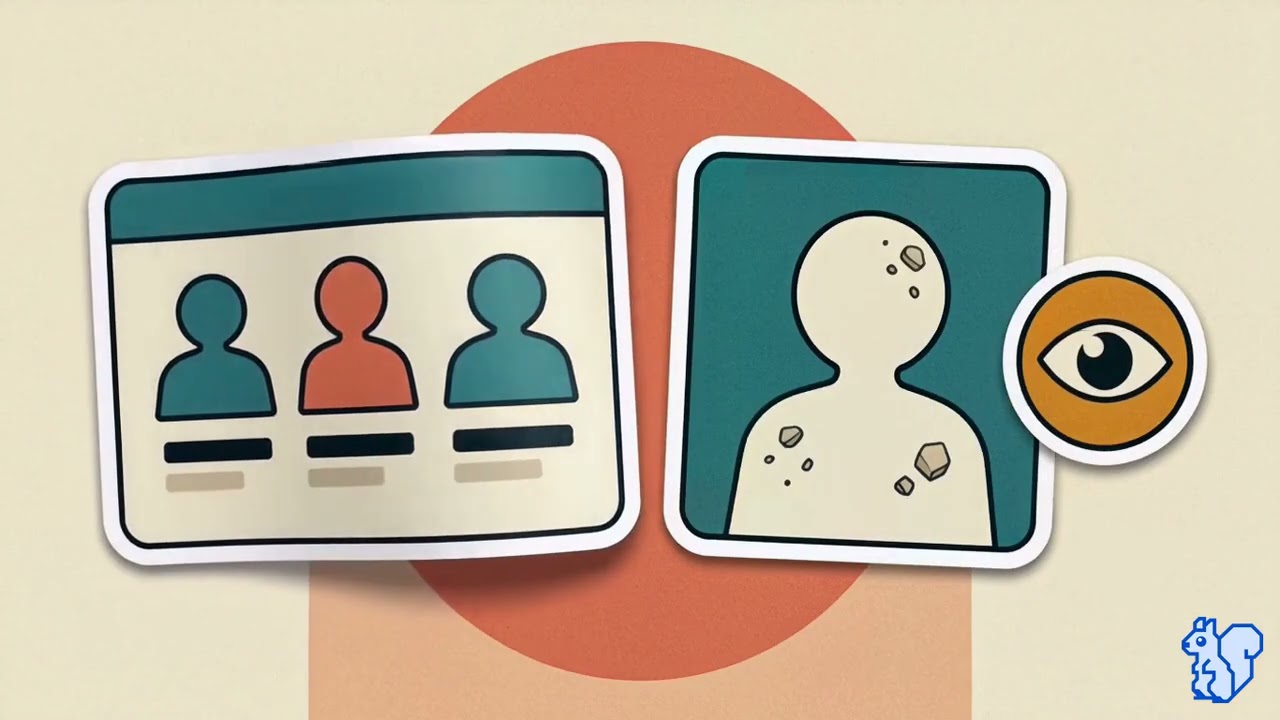
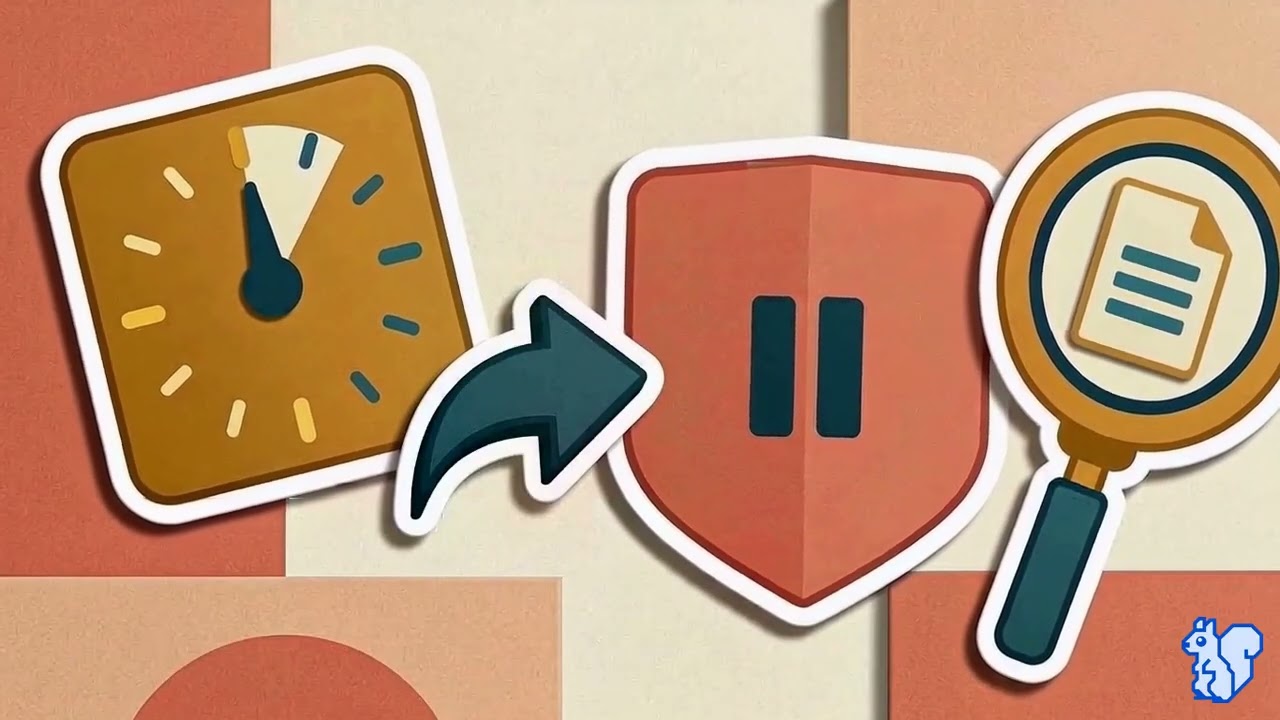
The scams your staff catch also land in student inboxes.

The scams your staff now catch are landing in student inboxes too, dressed up as game rewards, streaming logins, and scholarship forms. CyberNut has a student product for exactly this.

CyberStudent gives every grade a prebuilt digital citizenship curriculum, age-appropriate phishing practice, and the same report-it button your staff already use.

CyberStudent overview video: the pre-K through 12 curriculum path, grade by grade
1 million+
students trained by CyberNut
100+
districts already running CyberStudent
Pre-K–12
a full year of content for every grade

How one student's inbox becomes a district problem

Your staff training works because staff know what a scam looks like. Students don't, and their accounts sit inside the same domain as everyone else's. Here is the chain, in four steps.

01
The message lands
A "free game pass" or a "someone tagged you" email hits a 5th grader. It is built for them, not for an adult.
Student inbox, 3:40 PM
02
The click
There is no training behind the student, so the odds of a click are the same as your staff had on day one, before CyberNut.
Credentials entered on a lookalike page
03
The account is taken
The attacker now holds a real student account on your domain. Your filters trust it. Your staff trust it.
A trusted sender, inside the walls
04
It turns on your staff
The hijacked account emails teachers a "payroll update" from a real district address. The staff training you paid for is now being tested from the inside.
Your staff training, tested from inside
With CyberStudent, step 2 becomes a report instead of a click.
A trained student flags the message with the same button your staff use. It lands in your Reported Threats console, the sending account is suspended, and the message is pulled from every inbox before step 3 happens. Steps 3 and 4 never run.
Talk to Customer Success

See CyberStudent with your Customer Success Manager.

Your CSM will walk you through CyberStudent, answer your questions, and help you decide whether it’s right for your district.

What a teacher sees when assigning lessons
What a student sees, from lessons to phishing simulations
What your completion reports look like by student, school, and district

Have questions about CyberStudent? Your Customer Success Manager can walk you through it.

See what a student in your district would see

Pick a grade band. Each lesson is prebuilt and ready for a teacher to assign, and students in every grade get the same phishing simulations, built from the apps and games they actually use.
Don’t Click That!
1:27
Cybersecurity basics
Don’t Click That!
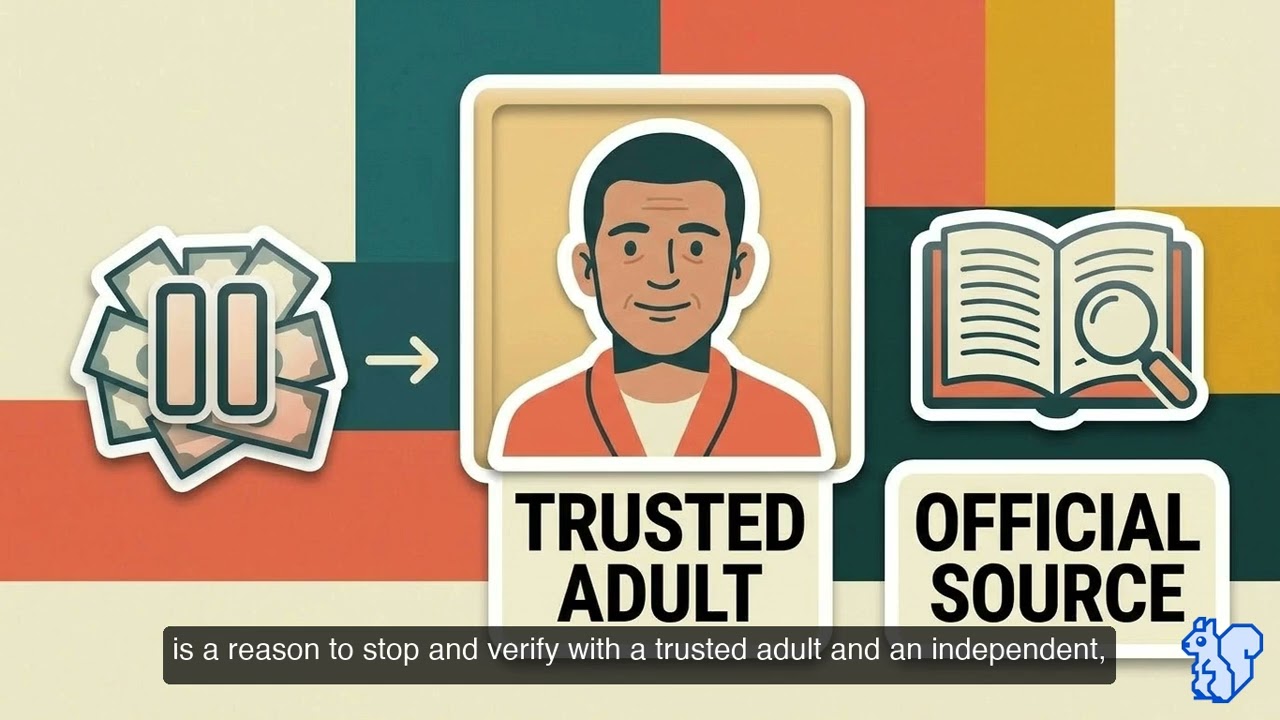
Some links are tricks, not treats. Don’t click links or buttons from strangers, and ask a trusted adult before opening anything new.
Phishing Made Simple
1:21
Cybersecurity basics
Phishing Made Simple
Phishing is a tricky message pretending to be from someone you trust. Watch for weird spelling, scary words that rush you, and requests for passwords.
Don’t Get Hooked: Phishing & QR Code Traps
2:05
Cybersecurity basics
Don’t Get Hooked: Phishing & QR Code Traps
Phishing uses urgency and fear to bypass your logic, and malicious QR codes are the new frontier. Pause, check the link, and go to the official site directly.
Financial Scams on Venmo, Depop & Cash App
2:03
Cybersecurity basics
Financial Scams on Venmo, Depop & Cash App
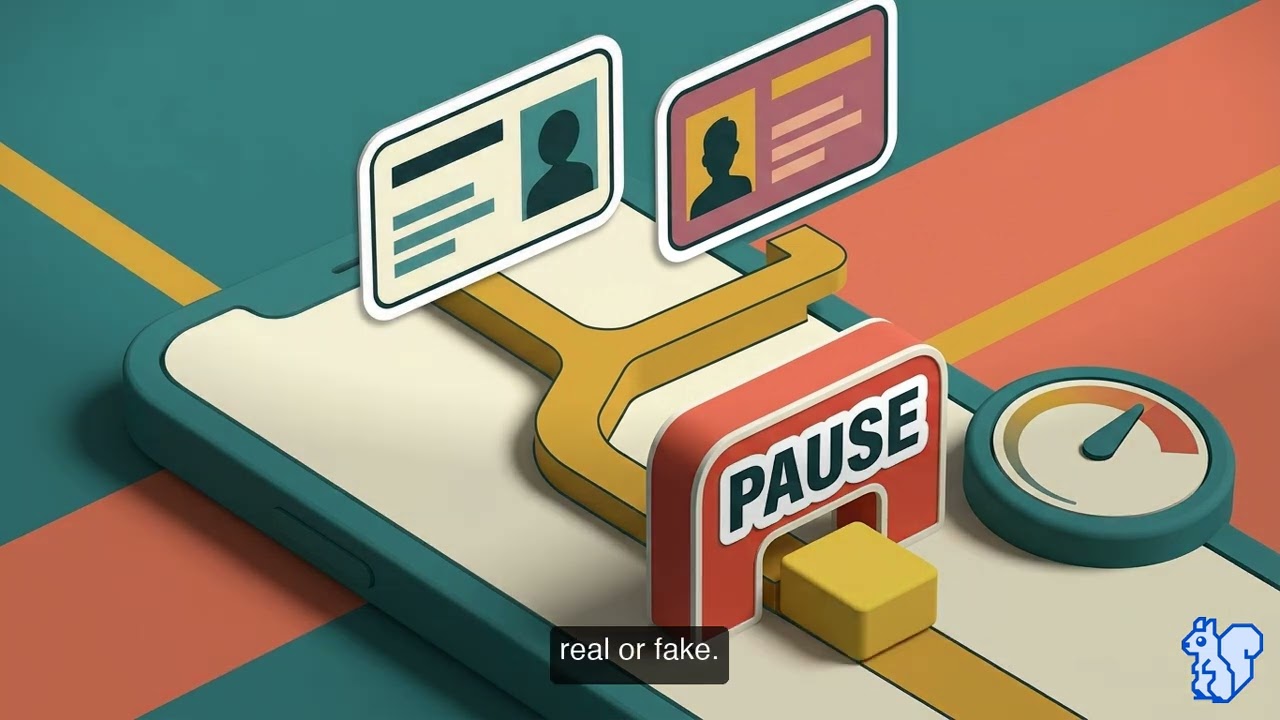
Fake jobs, overpayment refunds and cash-flip scams all want you to hit send. P2P payments are instant and permanent, so never pay money to get money.
Personal Info: What’s Okay to Share?
1:20
Data privacy
Personal Info: What’s Okay to Share?
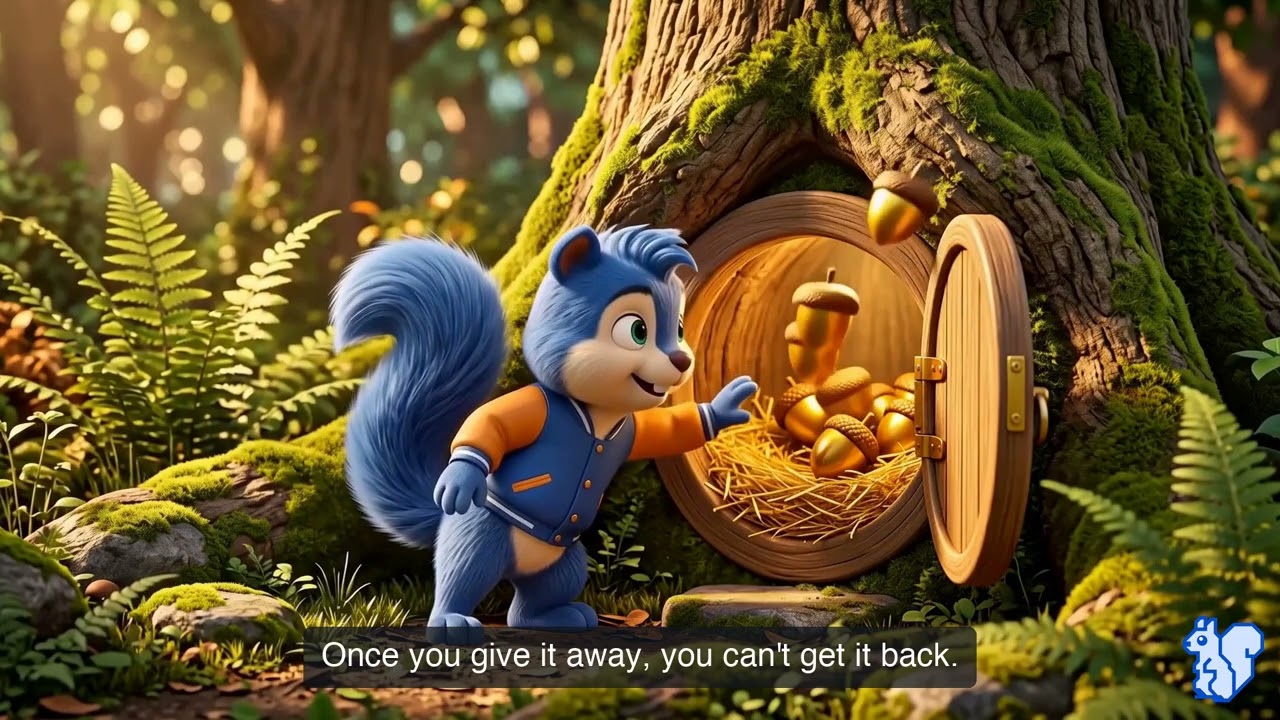
Personal info is like a secret stash of acorns: once you give it away, you can’t get it back. Use a nickname and keep the rest private.
The Digital Trail You Leave Behind
1:18
Data privacy
The Digital Trail You Leave Behind
Every post, comment and online game drops tiny bits of information. Think before you post and keep personal details private.
Safe Online Gaming: Protect Your Account
1:53
Account security
Safe Online Gaming: Protect Your Account
The “free skin” DM is the most common trap. Turn on MFA, use a unique password for every game, and never click links for free items.
Your Digital Footprint & Personal Security
2:04
Data privacy
Your Digital Footprint & Personal Security
Your digital footprint is permanent ink, and scammers read it to build trust. Lock down your privacy, follow the Future Rule, and clean up old posts.
Check with a Grown-Up
1:27
Media literacy
Check with a Grown-Up
When something online looks weird, confusing or too good to be true, stop, don’t click, and show a trusted adult.
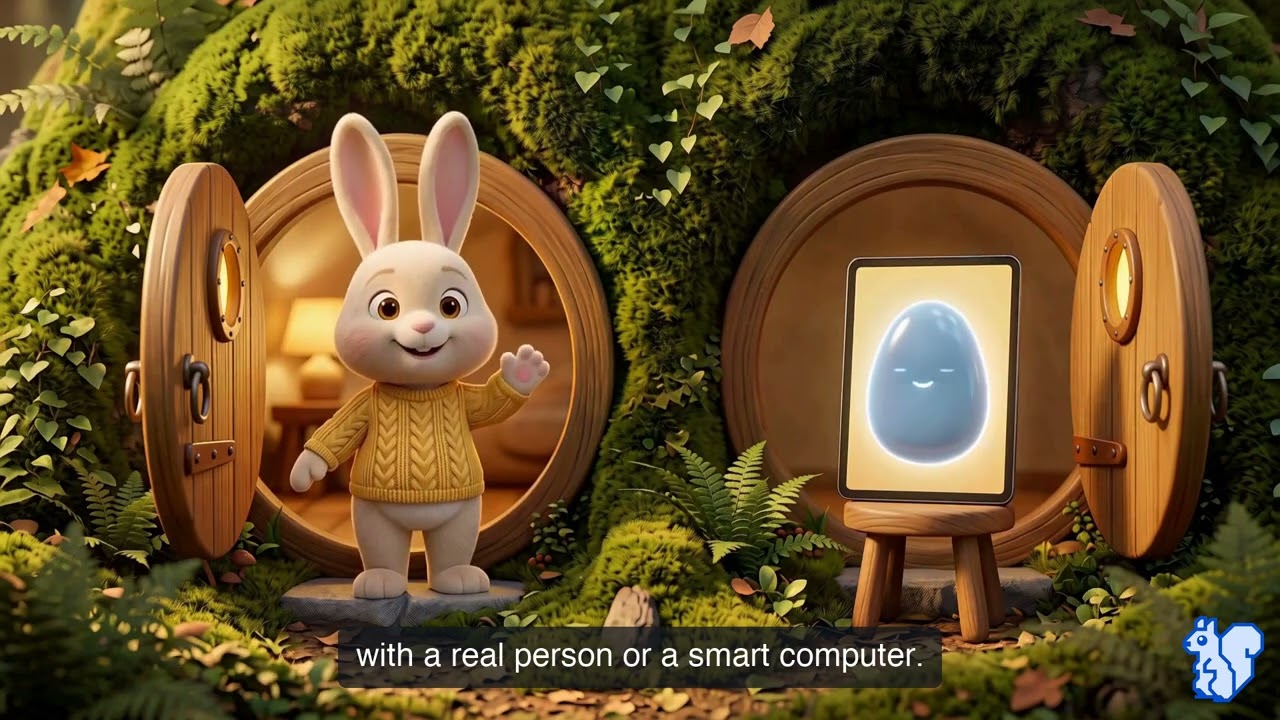
Is That a Robot or a Person?
1:20
Engaging AI safely
Is That a Robot or a Person?
AI can sound friendly, but it doesn’t have feelings. It’s a tool, not a friend: double-check what it says and don’t share secrets.
Hidden Agendas: Ads, Clickbait, and Sponsored Content
2:02
Media literacy
Hidden Agendas: Ads, Clickbait, and Sponsored Content
Clickbait makes you curious and sponsored content is marketing disguised as news. Spot the design, look for labels, and check the source.
Spotting Fake News & Misinformation
2:12
Media literacy
Spotting Fake News & Misinformation
Fake news is an emotional hack built to get your click. Be the firewall: stop, check the source, and verify before you share.
Student phishing template library
Flip through what your students would actually receive
Every template is built from the games, apps and offers students already see, and each level teaches one kind of clue. A click lands on a short lesson, never a login page.
1 of 8
Student inbox
Minecraft
Minecraft
news@minecraft-builds.net
Today
What is hidden under the Minecraft village?
A Minecraft build preview shows a village with a stairway leading below the ground. Open the reveal picture to discover the room beneath the village.
https://minecraft.net.build-preview.net/village
Gaming
Level 1 · Read
The hidden village
The tell
Suspicious Link. Read the whole web address: it ends in build-preview.net, not minecraft.net. The real name is just stuck on the front.
What happens on a click
A CyberNut “yikes” page opens, then a short lesson walks through the Suspicious Link red flag, followed by a quick check.
Templates look like the apps, games and offers students already see, never their school, a teacher or another real person. Every link is a safe CyberNut link, and a click opens a short lesson.
Student inbox
i-Ready
i-Ready
notes@iready-progress.net
Today
Sign in to see your i-Ready progress note
A note about your recent reading practice is ready. Enter your school username and password on the note page to read it.
https://i-ready.com.progress-note.net/reading
EdTech
Level 1 · Read
Reading progress note
The tell
Suspicious Link. The plain-text link goes to progress-note.net, a website name that doesn’t fit an i-Ready email.
What happens on a click
A CyberNut “yikes” page opens, then a short lesson walks through the Suspicious Link red flag, followed by a quick check.
Templates look like the apps, games and offers students already see, never their school, a teacher or another real person. Every link is a safe CyberNut link, and a click opens a short lesson.
Student inbox
Roblox
Roblox
rewards@robl0x-giftcards.com
Today
A Roblox gift card was reserved for you
Your Roblox account was selected for a free $15 Roblox gift card in our player-feedback draw. Open the claim page to select the card for your account.
Choose the Roblox card
Gaming
Level 2 · Check
Reserved gift card
The tell
Suspicious Email Address and Suspicious Button. The address swaps a letter (robl0x) and adds an extra word, and “Choose the Roblox card” doesn’t show where it goes.
What happens on a click
A CyberNut “yikes” page opens, then a short lesson walks through both red flags, the sender address and the button, followed by a quick check.
Templates look like the apps, games and offers students already see, never their school, a teacher or another real person. Every link is a safe CyberNut link, and a click opens a short lesson.
Student inbox
Google Classroom
Google Classroom
notes@classroom-g00gle-feedback.com
Today
Your Science Sketch notes are ready
Comments on Science Sketch are ready in Classroom. Enter your school Google email and password on the page below to open your feedback.
Sign in to read notes
EdTech
Level 2 · Check
Science Sketch notes
The tell
Suspicious Email Address and Suspicious Button. The email reads cleanly, but the address isn’t Google’s and “Sign in to read notes” doesn’t show where it goes.
What happens on a click
A CyberNut “yikes” page opens, then a short lesson walks through both red flags, the sender address and the button, followed by a quick check.
Templates look like the apps, games and offers students already see, never their school, a teacher or another real person. Every link is a safe CyberNut link, and a click opens a short lesson.
Student inbox
Supercell Player Team
gifts@supercel-players.net
Today
A Brawl Stars gift is ready for your player
You were selected for a free Brawl Stars player-icon bundle. Take the quick player survey to choose the icon set for your gift.
Choose icon gift
Gaming
Level 2 · Check
Free icon bundle
The tell
Suspicious Email Address and Suspicious Button. The address drops a letter from Supercell, and “Choose icon gift” doesn’t show where it goes.
What happens on a click
A CyberNut “yikes” page opens, then a short lesson walks through both red flags, the sender address and the button, followed by a quick check.
Templates look like the apps, games and offers students already see, never their school, a teacher or another real person. Every link is a safe CyberNut link, and a click opens a short lesson.
Student inbox
The Quizlet Team
The Quizlet Team
invites@quizlet-class-notes.co
Today
Open your Quizlet class invitation note
A note is waiting with your invitation to the Quizlet class World Words. Sign in with your Quizlet username and password on the invitation page to read it.
Sign in for the class note
EdTech
Level 2 · Check
Class invite note
The tell
Suspicious Email Address and Suspicious Button. The address adds extra words and ends in .co, and “Sign in for the class note” doesn’t show where it goes.
What happens on a click
A CyberNut “yikes” page opens, then a short lesson walks through both red flags, the sender address and the button, followed by a quick check.
Templates look like the apps, games and offers students already see, never their school, a teacher or another real person. Every link is a safe CyberNut link, and a click opens a short lesson.
Student inbox
Discord Community Team
community@discordapp-members.com
Today
Your Nitro gift claim is open
You have been chosen for a free year of Discord Nitro. Claim the gift in the next 15 minutes or it will be offered to another member.
Open Nitro gift
Gaming
Level 3 · Judge
Nitro gift countdown
The tell
Unexpected Prize, Rushes You to Act and Suspicious Button. A free year of Nitro the student never entered to win, a 15-minute deadline to claim it, and an “Open Nitro gift” button that doesn’t show where it goes.
What happens on a click
A CyberNut “yikes” page opens, then a short lesson walks through all three red flags: the surprise prize, the countdown and the button, followed by a quick check.
Templates look like the apps, games and offers students already see, never their school, a teacher or another real person. Every link is a safe CyberNut link, and a click opens a short lesson.
Student inbox
Google Drive
Google Drive
drive-shares-noreply@googledocs-mail.com
Today
Science Project Notes was shared in Drive
Science Project Notes was shared with your school email. Sign in with your Google Account to open the file.
Open the file
EdTech
Level 3 · Judge
Unexpected file share
The tell
Unexpected Shared File, Unexpected Sign-In Request and Suspicious Button. A file the student wasn’t expecting, a request to sign in to their Google Account to open it, and an “Open the file” button that doesn’t show where it goes.
What happens on a click
A CyberNut “yikes” page opens, then a short lesson walks through all three red flags: the unexpected share, the sign-in request and the button, followed by a quick check.
Templates look like the apps, games and offers students already see, never their school, a teacher or another real person. Every link is a safe CyberNut link, and a click opens a short lesson.
Comply

CIPA requires you to teach this. CyberStudent is the proof you taught it.

The Children's Internet Protection Act ties your E-Rate discounts to a certified internet safety policy, and since 2008 that policy has to include educating students about appropriate online behavior, social networking, and cyberbullying. Every year the district certifies to the FCC that this is happening. Filtering covers the blocking half. The education half is usually a binder, a one-off assembly, or nothing.

CyberStudent turns that requirement into a running program with a paper trail: prebuilt lessons on exactly the topics CIPA names, assigned by grade, with completion records by student, school, and district that export on demand. The same records answer the state digital citizenship requirement, a curriculum review, and a board question from one place.

What CIPA asks for, and where CyberStudent covers it
Educate minors on appropriate online behavior
Digital citizenship curriculum, pre-K to 12, every grade
Interacting on social networking sites and chat rooms
Social media, privacy, and digital footprint units
Cyberbullying awareness and response
Cyberbullying and kindness-online lessons, plus the student report button
Annual certification to the FCC
Completion records by student, school, and district, exported for the file

Industry Recognition

1EdTech TrustEd Apps Certified Data Privacy badge
TXCC certified cybersecurity training program badge
EU GDPR compliant badge
iKeepSafe COPPA Safe Harbor certification badge
iKeepSafe FERPA certification badge
iKeepSafe California Student Privacy Certification badge
Tech & Learning ISTE Best of Show award winner

Your staff are trained. Your students should be next.

Contact your Customer Success Manager to learn more.