Oliver Page
K-12 Phishing Simulation
April 27, 2026
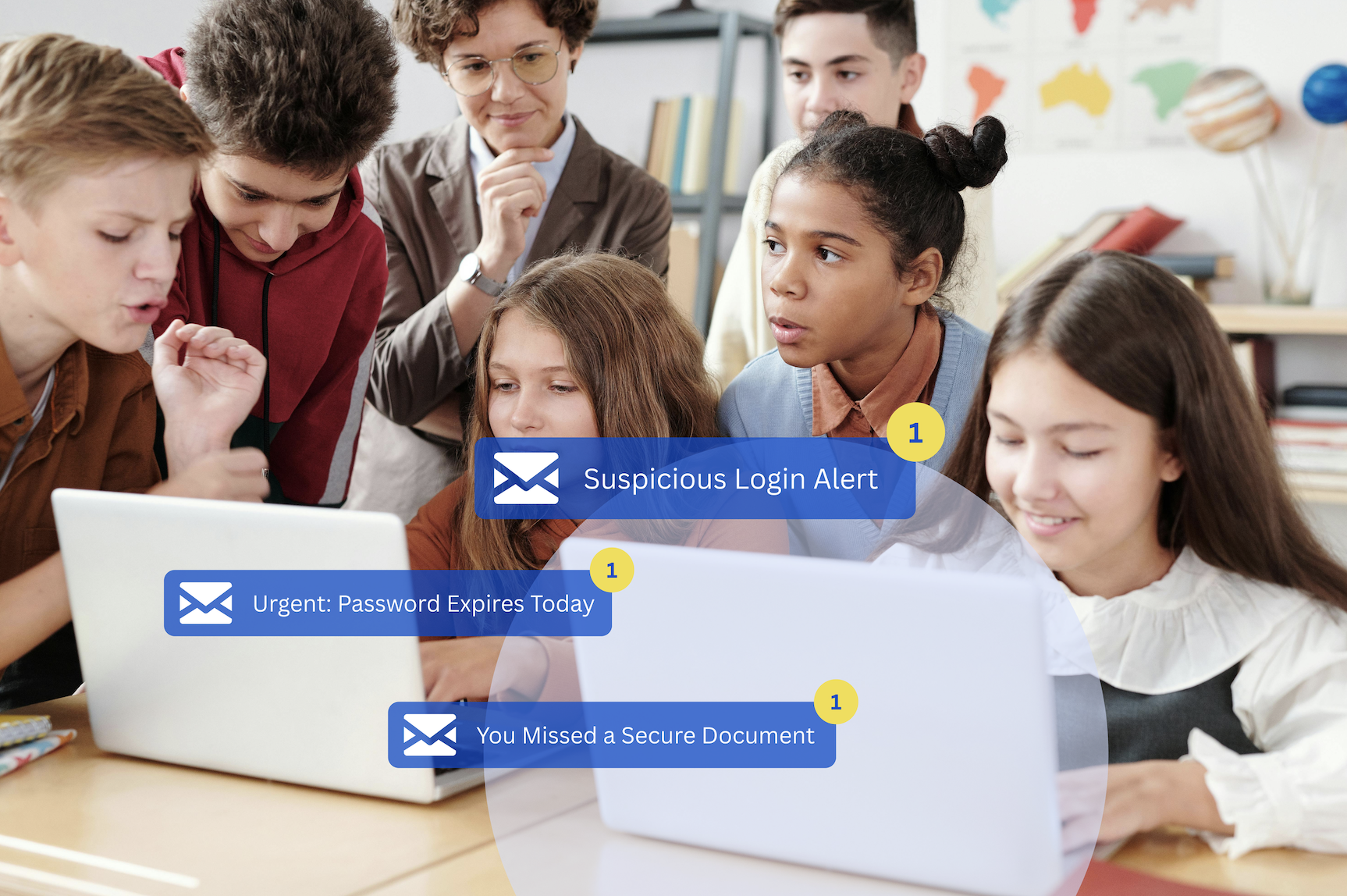
Starting a phishing simulation program in your school district is a seven-step process that any IT director can execute, even with a one- or two-person team. You define goals, run a baseline assessment, build a campaign calendar, select relevant templates, whitelist simulation emails, deploy immediate teachable moments when staff click, and measure results over time. A well-scoped program can deploy within the first week, with automated campaigns running within two weeks, requiring roughly one to two hours per month of ongoing IT oversight.
You start a phishing simulation program in a school district by following seven steps: (1) define program goals and secure stakeholder buy-in before sending a single email, (2) run a baseline phishing assessment to establish your starting click rate, (3) build a campaign calendar aligned with the school year, (4) select K-12-specific phishing templates that match your staff's actual threat environment, (5) whitelist simulation emails in Google Workspace or Microsoft 365 to ensure delivery, (6) deploy immediate, non-punitive teachable moments when staff click, and (7) measure, report, and improve over monthly or quarterly cycles. The rest of this article walks through each step in practical detail.
For the broader strategic context behind why a simulation program matters in K-12 specifically, the pillar guide to phishing simulation training for K-12 schools covers the full framework. This article is the practical execution playbook.
A phishing simulation is a controlled, safe, realistic fake phishing email sent to your staff and optionally your students to test real-world recognition skills without real-world consequences. When someone clicks, an immediate teachable moment is delivered. No breach. No data loss. Just a learning opportunity that happens exactly when it's most effective: the moment after the mistake.
School districts are uniquely vulnerable to phishing attacks. Your user base is large, decentralized, and constantly turning over. Teachers, administrators, classified staff, substitutes, and students all access sensitive systems with varying levels of security awareness. Your IT team is small relative to your user population. And the data you protect (student PII, financial records, FERPA-protected information) is exactly what attackers want.
The most common K-12 attack types aren't sophisticated zero-day exploits. They're credential harvesting through fake student information system and LMS logins, W-2 and payroll fraud impersonating HR or finance staff, and ransomware delivered through emails disguised as parent communications or state agency notices. The six most common phishing scenarios targeting K-12 educators walks through each of these in detail with documented real-world examples. These attacks work because they look exactly like things your staff sees every day.
A phishing test is typically a one-time assessment that produces a point-in-time risk score. A phishing simulation program is an ongoing, continuous cycle of simulations, micro-lesson training, and measurement. The ongoing program is what drives lasting behavioral change. One-time tests tell you where your district stands today. An ongoing program changes where it stands six months from now.
Everything else in your program depends on this step. Before you send a single simulation email, get clear on what you're trying to accomplish and who needs to be on board before you launch.
Define specific, measurable goals. Are you trying to reduce your phishing click rate by a target percentage over six months? Achieve a training completion benchmark? Satisfy a cyber insurance renewal requirement? Meet a state compliance framework? Your goals determine your campaign cadence, your reporting structure, and how you present results to leadership.
Stakeholder buy-in matters more than most IT directors expect. Before launch, loop in your superintendent, HR leadership, union representatives if applicable, and building principals. The framing is everything: this program is an investment in your staff's ability to protect themselves, their students, and the district, not a surveillance tool designed to catch people failing.
Establish a no-blame culture before your first simulation goes out. If staff fear disciplinary consequences for clicking a simulated email, they will stop reporting real threats, which is the exact opposite of the security posture you're building toward.
You cannot measure improvement without knowing where you started. Your baseline assessment is the foundation of your entire measurement strategy.
The key metric to establish is your phish-prone percentage: the share of staff who clicked a simulated phishing link or submitted credentials. This is your district's foundational risk score, and every subsequent campaign result should be measured against it.
To get an authentic baseline, use a moderately difficult template (not your hardest scenario), send it to all staff simultaneously, and do not announce it in advance. Authentic behavior is the goal. Segmenting results by role (teachers, administrators, classified staff, substitutes) helps you identify your highest-risk groups and prioritize training resources accordingly.
Set realistic expectations going in. K-12 baseline click rates are often higher than other sectors, for all the reasons outlined above. A high initial phish-prone percentage isn't a sign that your district is failing. It's the program working exactly as designed by revealing the real gap your training will close.
There is no universal "good" baseline click rate, and any benchmark you compare against should be treated as context, not a target. What matters is the trend. A consistently declining phish-prone percentage over six to twelve months of sustained simulation campaigns is the signal that demonstrates real, measurable risk reduction.
Most generic cybersecurity guides get this step wrong. School districts don't operate on a corporate calendar, and your simulation program shouldn't either.
Plan for a minimum cadence of monthly or quarterly simulations. Annual tests do not produce measurable behavioral change. Frequency is what builds habit. For a deeper look at how often to test staff, see Phishing Simulation Frequency: How Often Should Schools Test Staff?.
Equally important: know when not to launch. Avoid the first weeks of school when staff are overwhelmed with onboarding. Avoid state and district testing windows. Avoid end-of-year crunch and the first days back after winter break. Launching into those windows produces lower engagement and higher resentment.
Map your simulation themes directly to the school calendar for maximum relevance:
Start with lower-difficulty templates immediately following your baseline, then escalate difficulty progressively as staff improve. This approach prevents failure fatigue in early campaigns and prevents complacency as the program matures.
Template selection is where generic cybersecurity platforms consistently fall short for K-12 districts. A fake "HR benefits enrollment" email that would work perfectly in a corporate setting means almost nothing to a classroom teacher. A fake "Google Classroom update" or "student discipline notification from the principal's office" is immediately credible.
Role-based template targeting is essential:
Pre-built K-12 template libraries dramatically reduce setup time and guarantee relevance out of the box. IT directors shouldn't have to become social engineering experts to launch effective simulations. The right platform does that work for you.
This is the single most common technical obstacle that derails programs before they start: simulation emails getting blocked by your spam filter, secure email gateway, or flagged by Google Workspace or Microsoft 365 Defender before they ever reach a staff inbox.
In Google Workspace, whitelisting is configured through the Admin Console under Apps > Google Workspace > Gmail > Spam, Phishing and Malware. The simulation platform's sending IP ranges are added under Email allowlist, and Inbound Gateway settings bypass Gmail's spam classifier for those specific sources. In Microsoft 365, configuration involves Safe Links bypass for simulation URLs, anti-phishing policy exclusions for the sending domain, and tenant allow/block list entries for simulation IP ranges.
Reputable K-12 simulation platforms provide dedicated sending IP ranges and domains and handle the configuration documentation for you. IT directors should not have to manually reverse-engineer these settings from vendor forum posts.
Before you go district-wide, run through a pre-launch technical checklist:
In Google Admin Console, navigate to Apps > Google Workspace > Gmail > Spam, Phishing and Malware. Add the simulation platform's sending IP ranges to the Email allowlist, then configure the Inbound Gateway to bypass Gmail's spam evaluation for those IPs. Always run a test send to a single inbox before launching district-wide to confirm the simulation email lands in the inbox rather than spam. Changes can take up to 24 hours to propagate.
When a staff member clicks a simulated phishing email, that click is the program working, not an HR event. A simulation click is a safe, teachable moment. Establish this framing explicitly with your administration team before your first campaign launches.
The most effective automated response to a click is an immediate, in-the-moment micro-lesson, ideally 30 seconds or less, that explains exactly which red flags the user missed while the experience is still fresh. Timing is the mechanism. A lesson delivered the moment after the click is exponentially more effective than a remediation course assigned three days later. The full case for short-format training over traditional compliance videos explains why format matters this much.
Long-form compliance training fails in K-12 environments. Thirty-minute courses breed resentment toward IT, destroy engagement, and produce no measurable change in click behavior. They're compliance theater, not security training.
Gamification is the behavioral shift driver that changes this dynamic. Micro-lessons with instant rewards, district-wide leaderboards, and visible progress tracking convert a "gotcha" moment into a motivation loop, building a culture of cybersecurity awareness that staff actually want to participate in. CyberNut's 30-second gamified micro-lessons, acorns reward currency, and configurable school-versus-school and district-level leaderboards are designed specifically to create voluntary, sustained participation. For the specific mechanics, see how leaderboards and rewards drive voluntary participation.
Three core metrics every K-12 IT director should track consistently:
Distinguish outcome metrics from vanity metrics. Training completion numbers and platform logins tell you about activity. Click rate trends, report rate growth, and credential submission decline tell you about risk reduction. Know which is which when building your reporting strategy. For the full measurement framework, see Measuring Phishing Simulation Effectiveness: Key Metrics for K-12.
When presenting results to non-technical stakeholders (superintendents, school boards, insurance carriers), lead with trend direction, risk reduction percentage, and compliance posture. Leave the raw technical data in the dashboard.
The cyber insurance angle is increasingly significant. Documented simulation programs with exportable campaign records are becoming a standard requirement during policy renewal. Your simulation data is audit-ready evidence of a proactive human risk management program.
What metrics should IT directors track in a phishing simulation program?
Track phish-prone percentage trend, report rate growth, credential submission rate, training completion rate, and repeat engagement rate. Together, these five metrics tell the full story of your district's human risk posture over time. The largest behavioral shifts in a sustained simulation program typically appear at the 60- to 90-day mark, so give the program time before drawing conclusions from early data.
A well-scoped program can deploy within the first week, with automated campaigns running within two weeks, requiring roughly one to two hours per month of ongoing IT oversight afterward. The bulk of launch time goes into Step 1 (goals and stakeholder alignment) and Step 5 (whitelisting configuration). Once those are complete, template selection and campaign scheduling are largely automated on a K-12-specific platform.
You should announce the broader program and its purpose before launching, but do not announce specific campaign dates or templates in advance. Authentic behavior is the goal of a baseline. The framing to communicate upfront: the district is investing in security awareness training, staff will receive realistic simulation emails as part of ongoing training, and there are no disciplinary consequences for clicking. That transparency maintains trust without compromising the data.
Yes. Modern K-12-specific simulation platforms are designed for exactly this scenario. After the initial deployment (which is where most of the work lives), automated campaigns, pre-built templates, and real-time dashboards mean ongoing oversight is roughly one to two hours per month. The program is less time-intensive than responding to a single successful phishing attack would be.
Many districts start with staff-only and add student simulations later, which is a reasonable sequencing. Student simulations require age-appropriate scenario design (elementary students benefit from visual recognition exercises, while middle and high school students can engage with more realistic scenarios). If student simulation is on your roadmap, verify that your platform supports grade-band-appropriate templates rather than forcing the same staff-oriented scenarios on every age group.
A phishing simulation program in a school district is not an enterprise IT project. It's a seven-step deployment any district can execute in days, regardless of team size or budget. The goal isn't a perfect click rate. It's building a district-wide human firewall where staff and students are the first and most resilient line of defense against the attacks that target K-12 every day. The districts that start are the districts that see results. The districts that wait are the districts that make the news.
Ready to run your baseline? Start with a free phishing assessment in 15 minutes, with no commitment. You'll have your district's baseline click rate and a clear starting point for the rest of the seven-step plan.
Oliver Page
Some more Insights


Back